Guides6 min read
How to make cover art for a single: sizes, rules, design
How to make cover art for a single that stores accept: official sizes and rules, checked on 8 November 2026, plus design tips and a phone-photo method.
To make cover art for a single, start with one strong photo or image, crop it to a square, add the artist name and title in big, simple type, and export a 3000 × 3000 pixel JPG in RGB. Keep URLs, social media handles, logos and prices off it, and use only images you have the right to use.
Below are the exact requirements of the big stores and distributors, checked on their official pages on 8 November 2026, then the design side. Store rules change, so check the links again before you upload.
Cover art sizes and formats, store by store
Every service wants a perfect square. The pixel sizes differ:
- Spotify accepts 640 to 10,000 pixels wide and tall, as JPG, PNG or TIFF in sRGB, and asks you not to upscale.
- Apple Music: its guide for artists asks for at least 4000 × 4000 pixels as JPG, PNG or GIF, while its delivery spec for distributors sets a 1400 × 1400 minimum and recommends 3000 × 3000 or more.
- DistroKid wants a JPG of at least 1000 × 1000, ideally 3000 × 3000, in RGB.
- TuneCore takes JPG, PNG or GIF under 10 MB, 1600 to 3000 pixels, in RGB, at 72 dpi or more.
- CD Baby takes PNG, GIF or JPG under 25 MB, 1400 to 3000 pixels, in RGB rather than CMYK.
The safe plan: design at 4000 × 4000 or larger, keep that file as your master, and send your distributor a 3000 × 3000 RGB JPG, since TuneCore and CD Baby accept nothing bigger. Never stretch a small picture up; it only gets softer.
What must stay off the cover
Most rejected covers break the same few rules, which Apple, DistroKid, TuneCore and CD Baby all list in some form:
- Website addresses, email, QR codes, and social media handles or logos. Your @name belongs in the caption, not on the art.
- Store logos, prices, release dates, the word “new”, and mentions of CD or vinyl.
- Blurry, pixelated, distorted or rotated images.
- Text that doesn’t match your release form: CD Baby and TuneCore want it identical.
- Anything misleading, such as a famous artist who isn’t on the track, which the Apple Music Style Guide rules out.
CD Baby also warns that generic art, such as a plain colour square, may not be accepted.
One strong image, one idea, readable at thumbnail size
Most people meet your cover tiny: in a playlist row, a notification, a shared link. Design for that size first; a cover that works small almost always works big.
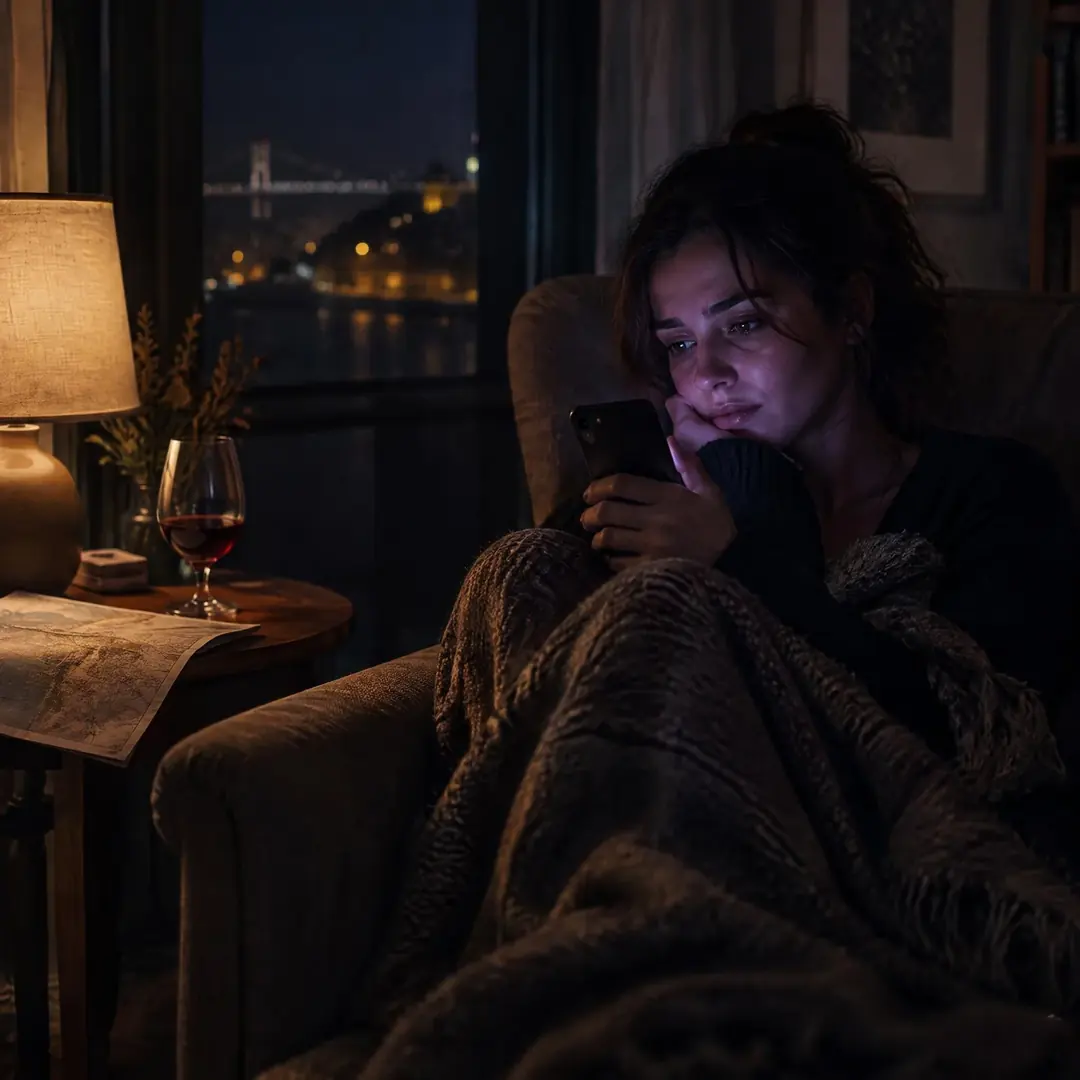
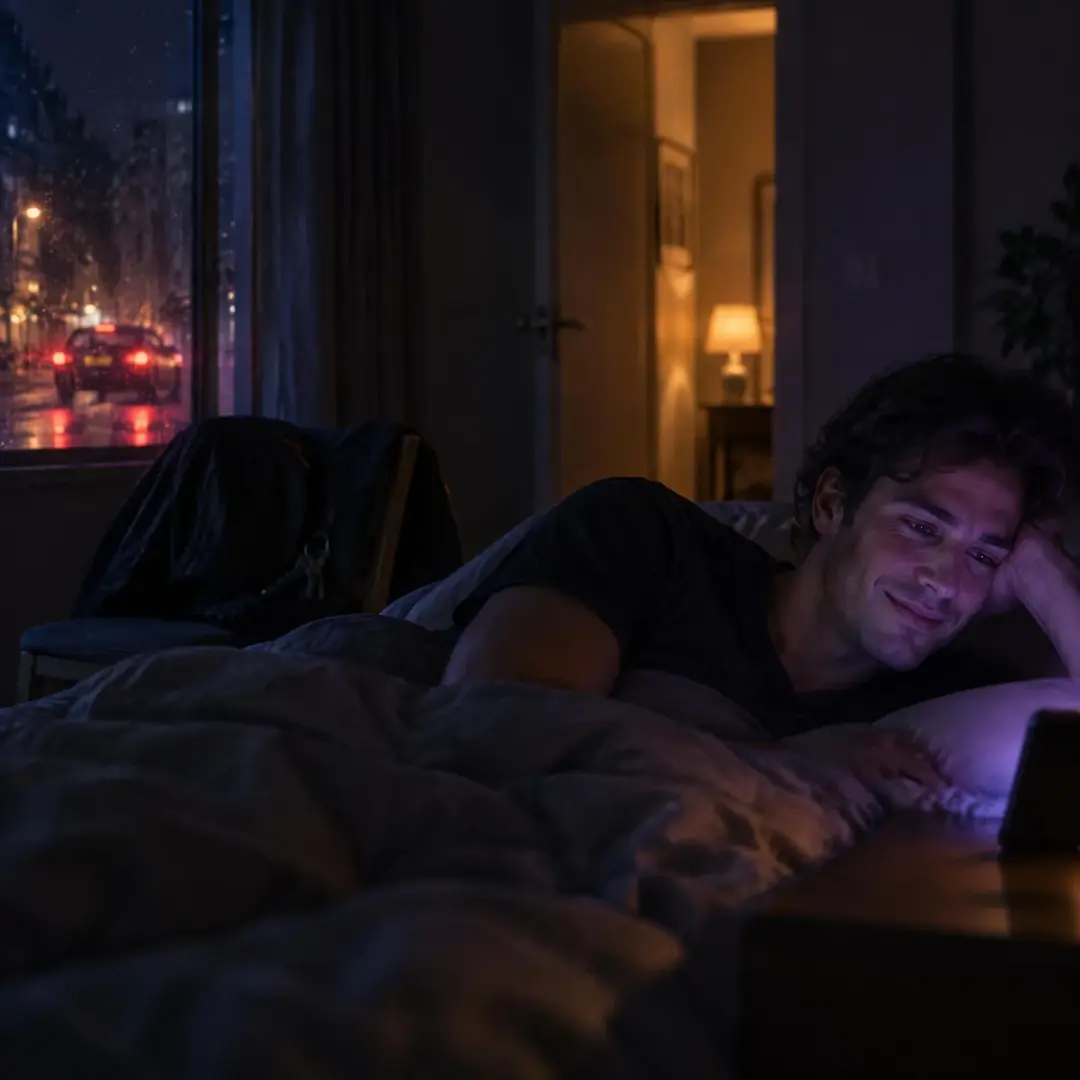
- One subject. A face, a hand on a steering wheel, a lit window at night. If you need to explain it, there is too much in the frame.
- One idea that fits the song. For a song about waiting for a call, a phone face down on a café table says more than a collage of three photos.
- Strong contrast. A light subject on a dark background, or the other way round. Pastel on pastel disappears.
- The squint test. Shrink it to about 100 pixels or look from across the room; if you can’t tell what it is, simplify.
Type that survives the shrink, and a look people recognise
Text isn’t required, but your name and the title help people recognise the release:
- One typeface, two at most. Bold sans-serifs and heavy serifs read well small; thin scripts and hairline fonts don’t.
- Make the title or your name clearly the biggest text, and set it on a calm part of the image: sky, a wall, shadow.
- As a rule of thumb, make the main line at least a tenth of the cover’s height and leave a margin of about 5% on every side.
- Check the spelling against your release form, letter by letter.
Across singles, keep a system: your name in the same typeface and place, and a colour range or photo style that comes back. Change the image every time, though; a recognisable look is not a recycled cover.
Your photo, a licensed photo, or AI
You need the right to use everything on the cover. TuneCore asks for images you own the rights to distribute, Apple’s artist guide rules out images from other copyright holders without written permission, and DistroKid’s list of artwork that stores reject includes “unlicensed/stock photography”.
- Your own photo is the simplest. If someone else is recognisable in it, get their OK in writing.
- A photographer’s photo needs written permission to use it as cover art.
- Stock photos are risky with DistroKid; with other distributors, check that the licence covers record covers.
- An AI image needs a tool whose terms allow commercial use on your plan. DistroKid asks at upload whether AI generated your artwork: an image made from a text prompt counts, while retouching, colour work or removing an object doesn’t.
Be careful with AI faces. If a profile image, header or album artwork presents the artist as a photorealistic person who doesn’t exist, Spotify may give the artist an AI Persona badge, and that music then stays out of editorial and personalised recommendations unless listeners follow it. The badge is about photorealistic AI people, not a real photo of you or a drawn character.
How to make cover art for a single from a phone photo
- Shoot for the square. Put the subject near the centre with space around it and a calm area for the title. Window light or the blue hour beats a flash. Use the main lens, no digital zoom, at full resolution.
- Check the pixels. A 12-megapixel photo in 4:3 is about 4000 × 3000 pixels, so a square crop gives you about 3000 × 3000: enough for most distributors, not for a 4000 master.
- Edit lightly. Crop to 1:1, straighten, set exposure and contrast, pick one colour mood that fits the song, and clean up the edges.
- Add the type in a design app that exports at an exact pixel size: artist name and title, spelled exactly as in your release form.
- Export twice. A full-size master, and a high-quality 3000 × 3000 RGB JPG for your distributor, within its file size limit.
- Test it small: at thumbnail size on your phone, in light and dark mode, and once in black and white. Show it to a friend for one second and ask what they saw.
- Run the rules. No URLs, handles, logos, prices or dates; the text matches the form; and you can show the image is yours.
The same photo can do more than one job. When you drop the single in Hook Lab, it becomes a living cover, and the hook’s Release kit adds a 3000 × 3000 cover and ready captions. It can carry a 9:16 video too: see how to make a lyric video from one photo. And if a shot fits a Photo world dare such as “Blue hour”, post it there and let strangers vote on it blind.
Questions people ask
What size should cover art be for a single?
A 3000 × 3000 pixel square works with most distributors. Spotify accepts 640 to 10,000 pixels, Apple’s artist guide asks for at least 4000, and TuneCore and CD Baby take no more than 3000, so keep a large master and export a 3000 copy (checked on 8 November 2026).
Can I put my Instagram handle or website on my cover?
No. Apple Music, DistroKid, TuneCore and CD Baby all list web addresses, contact details or social handles among the things that get artwork rejected. Put them in your bio and captions.
Can I use an AI-generated image as cover art?
Yes, if the image tool’s terms allow commercial use and you tell your distributor, which DistroKid asks at upload. Don’t use a photorealistic AI person as the artist: Spotify can badge that as an AI Persona and leave it out of recommendations.
Can I use the same cover for two releases?
Better not: DistroKid says duplicate album art may be rejected. Keep the typeface and colours, and change the image.
Does the text on the cover have to match the song title?
If there is text, yes. CD Baby and TuneCore want the artist name and title on the art exactly as entered in the release form, and TuneCore also accepts a cover with no text at all.
Hear it in Vibnelo
Poljubi me · NENO Lone
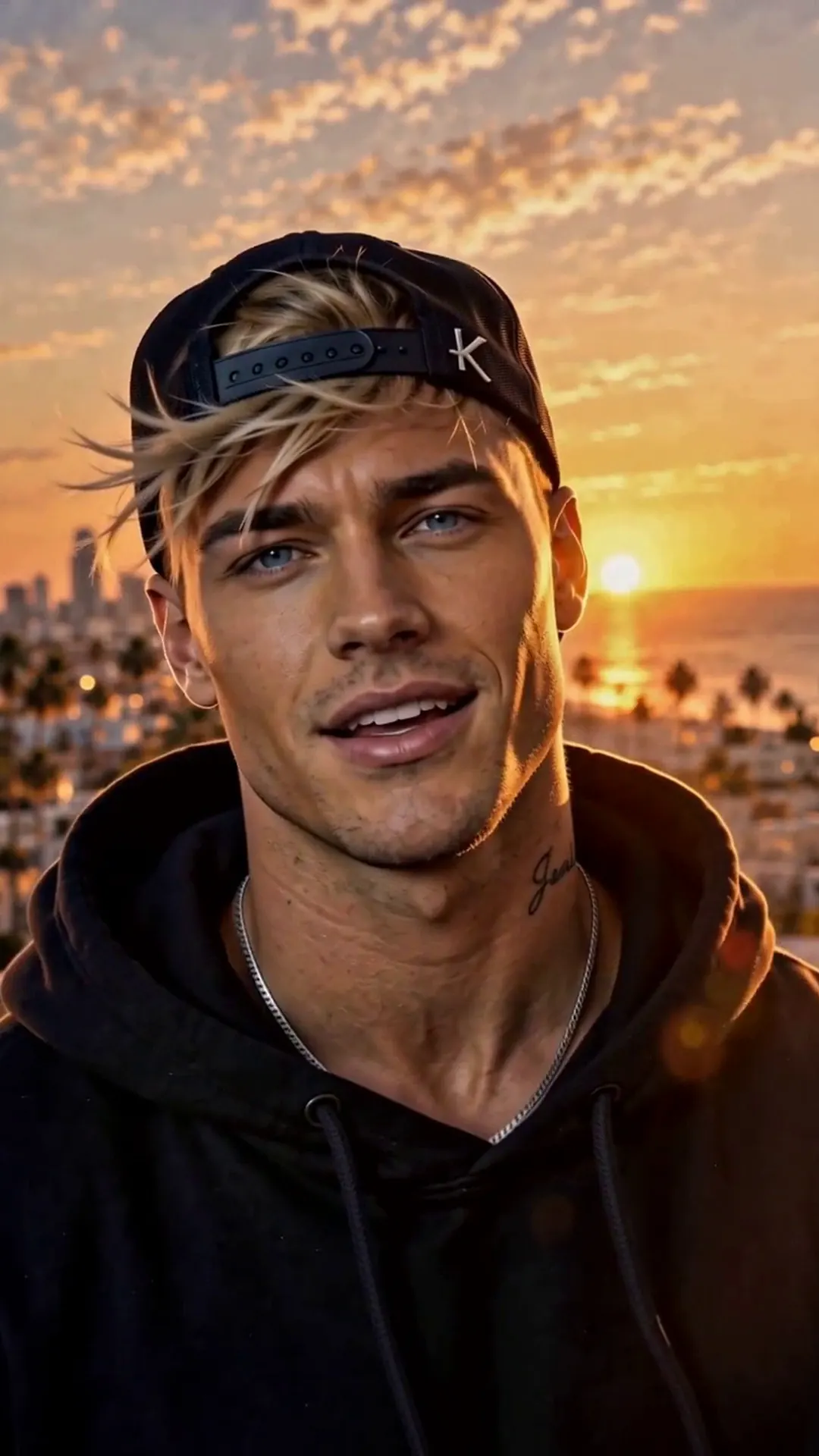
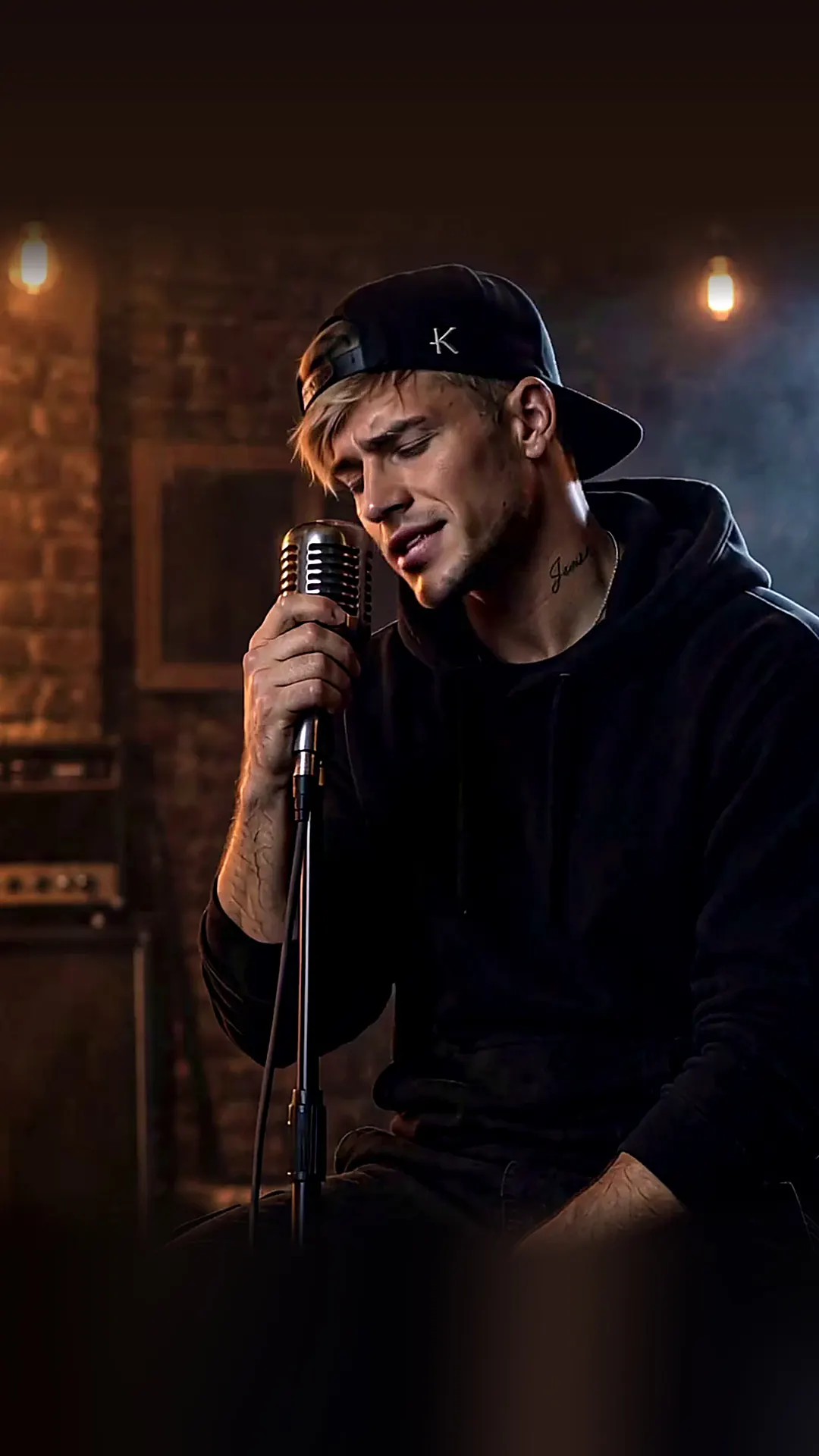
Poljubi me k'o da me ne znašThe photo at the top comes from this hook. Play it and watch the words light up as they are sung.
Play the hook