How to make a lyric video for TikTok and Reels from one photo
You don’t need footage to make a vertical lyric video that holds attention. One strong photo, the right words on screen and careful timing will do. Here is how, step by step.
Many of the lyric videos that work best in vertical feeds are almost plain: one image, a few words at a time, and every word landing exactly when it is sung. They work because the words give people something to read while they decide whether to stay, and the picture sets the mood without pulling attention away from the song.
You can make one from a single photo. Here is how to do it well, from choosing the picture to exporting the file.
1. Pick a photo that leaves room
The photo does two jobs. It tells people what the song feels like before they hear a word, and it gives the lyrics somewhere to sit. Look for:
- One subject and one mood. A late-night song wants a late-night picture. If the photo and the song argue, the viewer feels it.
- A calm area for the words. A dark sky, a wall, an empty street. Text over a face or a busy pattern is hard to read, and it fights the subject.
- Enough resolution. The vertical frame is 1080 by 1920 pixels. A photo that falls below 1080 pixels wide once it is cropped will look soft on a good phone.
- The right to use it. Your own photo, one you commissioned, or one made with a tool whose terms allow it. Not a picture you found.
2. Frame it for 9:16 and for the buttons
A square or landscape photo loses its sides when you crop it to 9:16, so check that the subject survives. Then think about what will cover it. TikTok, Reels and Shorts lay their buttons, the caption and the account name over the bottom of the video and down its right edge. Keep the lyrics and any face out of the bottom fifth of the frame and away from the right edge. The middle of the frame, a little above centre, is the safest place for words.
3. Put the words on screen
- Show what is sung, as it is sung. One line at a time, or a few words at a time. You can light up each word as it is sung, karaoke style, or let the words appear as they arrive.
- Make it readable at arm’s length. Big, bold type, one typeface, high contrast. White on a dark area works; on a lighter photo, add a soft shadow or darken the area behind the words.
- Break lines where the singer breathes, not where the sentence ends. The eye should finish a line at the same moment the ear does.
- Let one word be the star. The title, or the strongest word of the line, can be bigger than the rest. Once per line is enough.
- Write exactly what is sung. If the singer repeats a word, the screen repeats it. People notice when the words and the voice disagree, and it breaks the spell.
4. Time every word to the voice
Timing is what separates a lyric video from a slideshow. A word that appears a fraction early feels in time; a word that appears late feels wrong, even to people who couldn’t say why. Most video editors let you set each caption by hand while the track plays. Automatic transcription with word timings gets you most of the way, but always check it against the vocal and fix it by ear.
5. Give the photo a little life
A still image can feel like a shot with very little movement:
- A slow push-in over the whole clip, a few percent at most.
- A gentle pulse on the kick drum or the downbeat, and perhaps one bigger moment where the song lifts.
- A colour grade or a little grain that matches the song.
Skip anything that makes the text harder to read. With a single photo, fast cuts and spinning transitions look like a template.
6. Start on the hook and loop it
The first second should already be the song: the hook line, or the line just before it. No title card and no logo up front. Then end where you began. A video whose last frame flows back into its first gets watched twice without anyone deciding to. Which thirty seconds to use is a decision of its own, and how to find the hook in your song goes through it.
7. Export once, at full quality
- 1080 by 1920 pixels, 9:16, as an MP4 with H.264 video and AAC audio.
- 30 frames per second is plenty for a still image with words.
- Export one high-quality file and upload that. The platform will compress it anyway; every extra round of compression before that costs detail.
- Watch it on a phone twice before you post: once with sound, once without. With the sound off, the words should still carry the song.
The quick way
On Vibnelo every hook can leave as a 9:16 lyric video, made right on your phone. It uses your cover photo with a slow push-in, places the big word, shows each sung line in rows just as the app does, and plays your own sound, with a small mark that links back to the hook. If you drop the song through Hook Lab, the words are already timed to your voice, so the video is ready the moment the hook is.
A checklist before you post
- The photo matches the mood, and the words sit in a calm area.
- Nothing important in the bottom fifth or along the right edge.
- Every word on screen is a word that is sung, at the moment it is sung.
- The first second is already the song, and the end flows back into the start.
- One high-quality 1080 by 1920 file, checked on a phone with and without sound.
Hear it in Vibnelo
Ne zovi me kad si pijanaNENO Lone
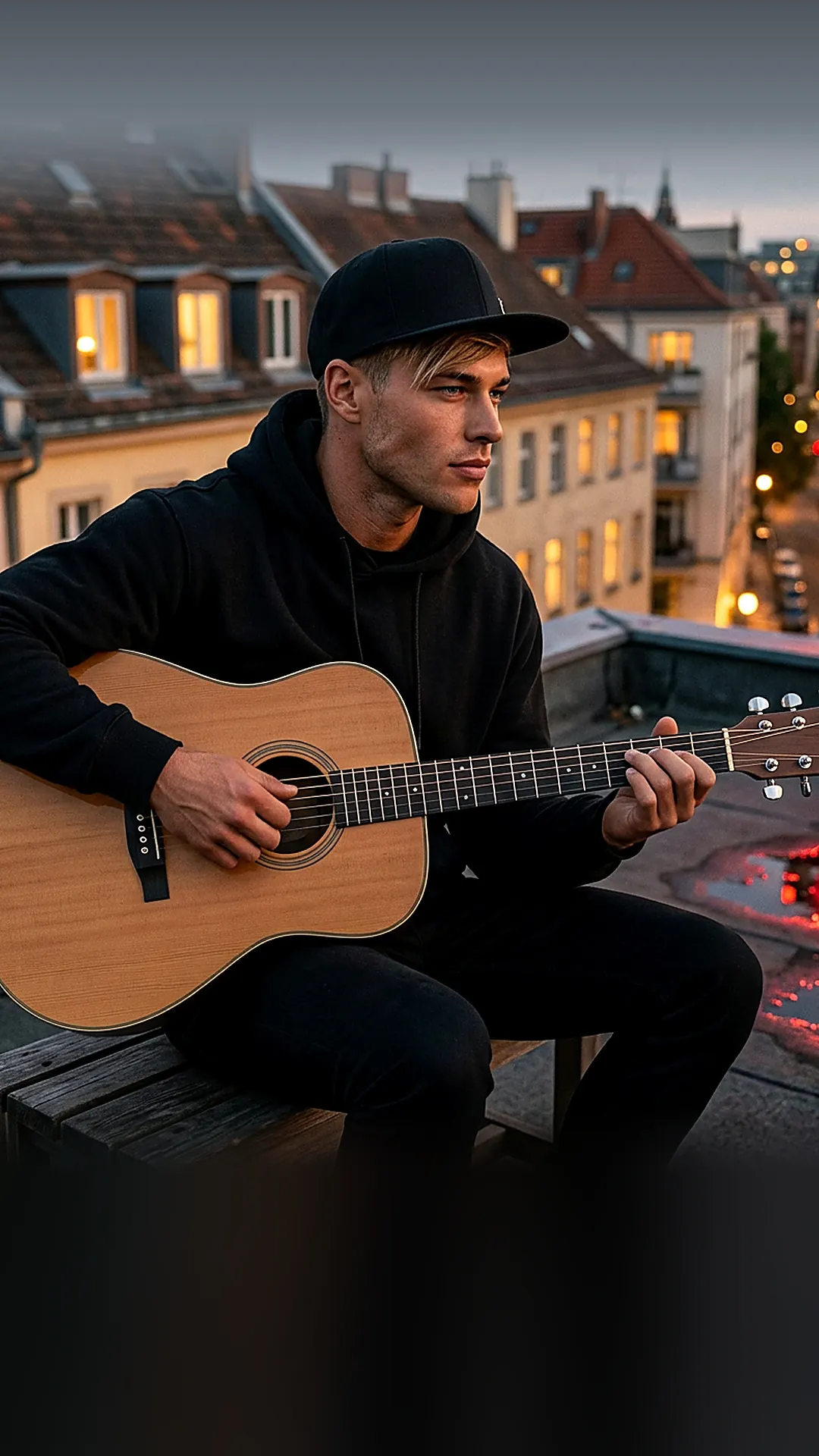
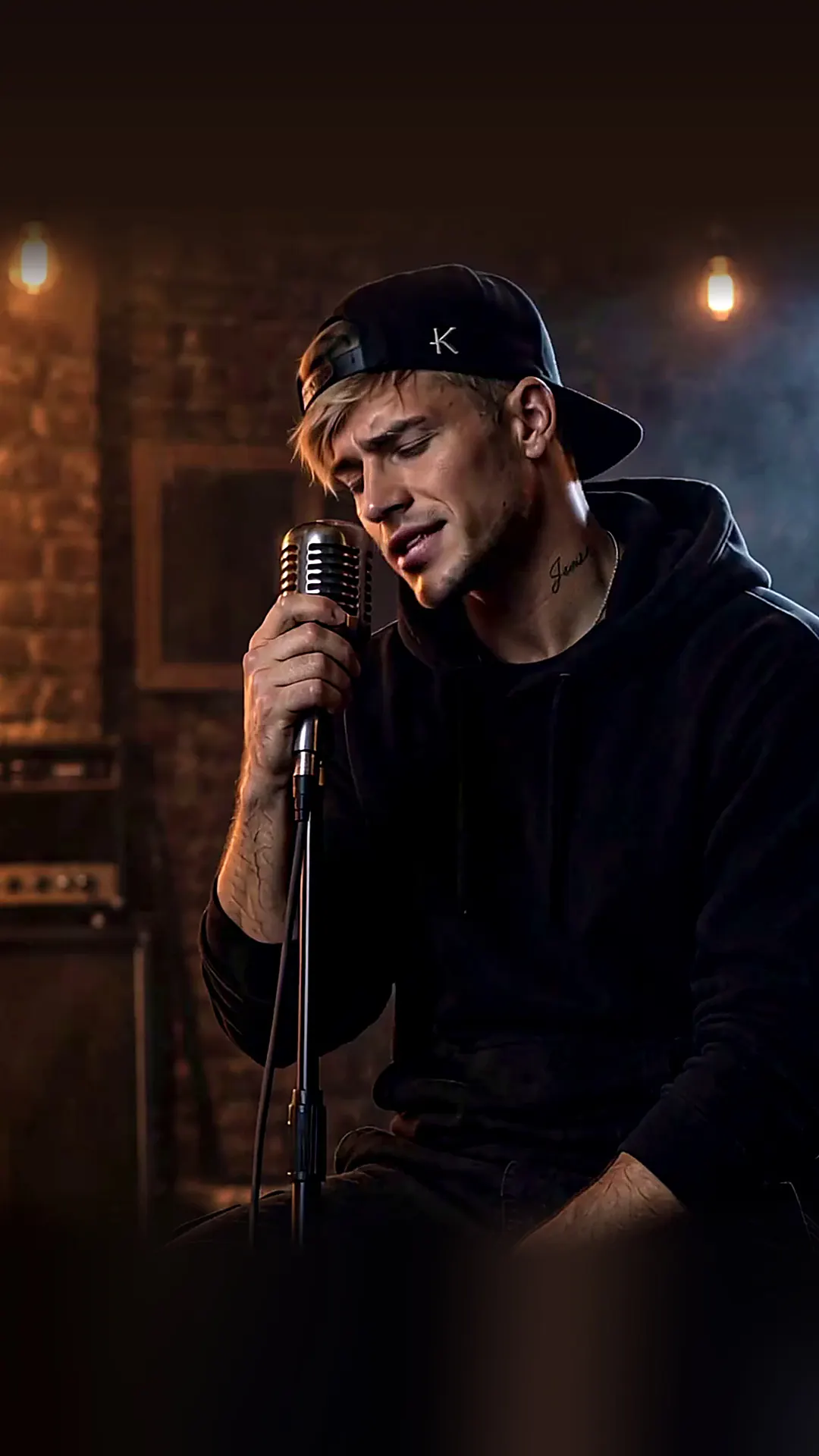
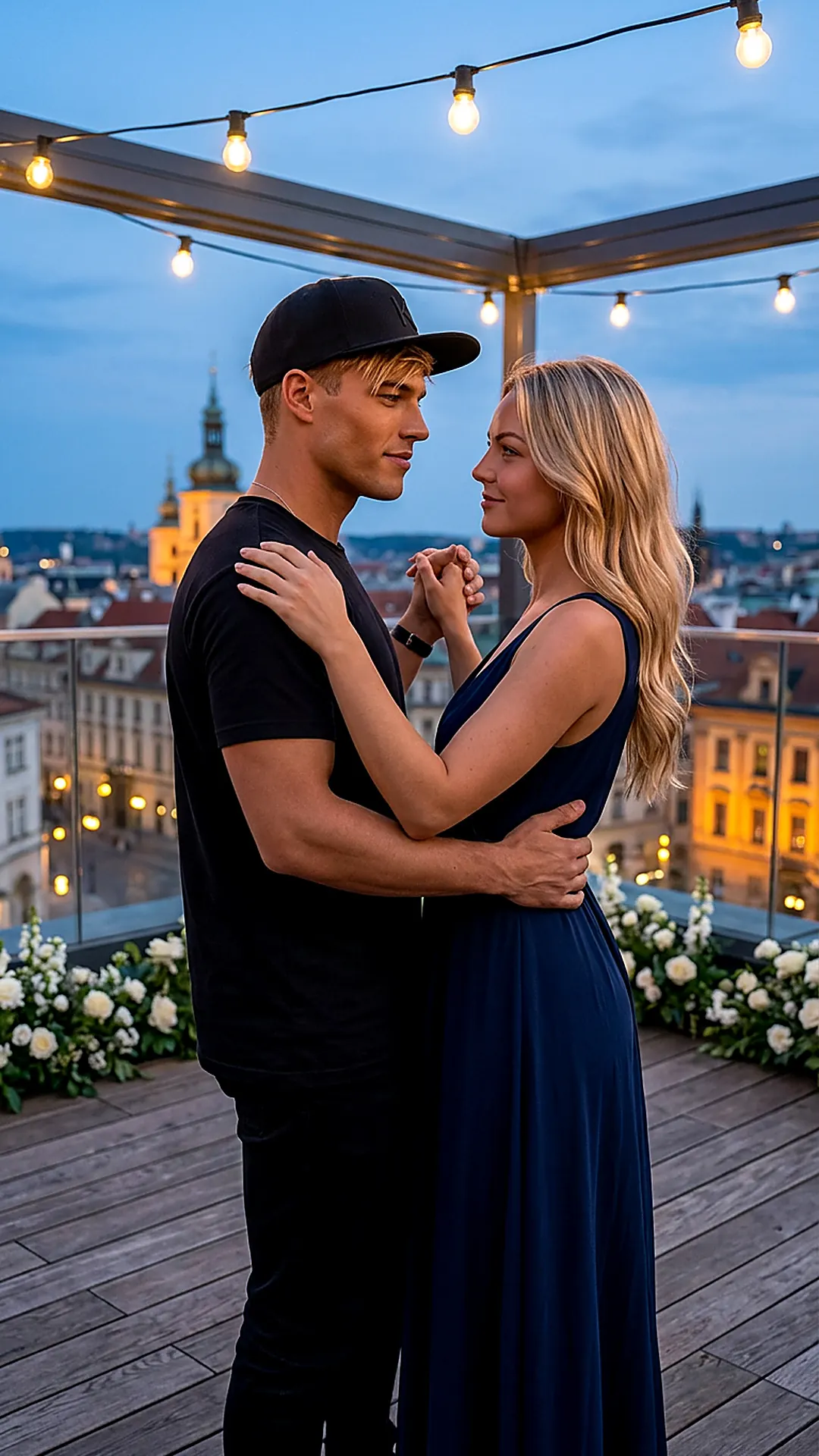
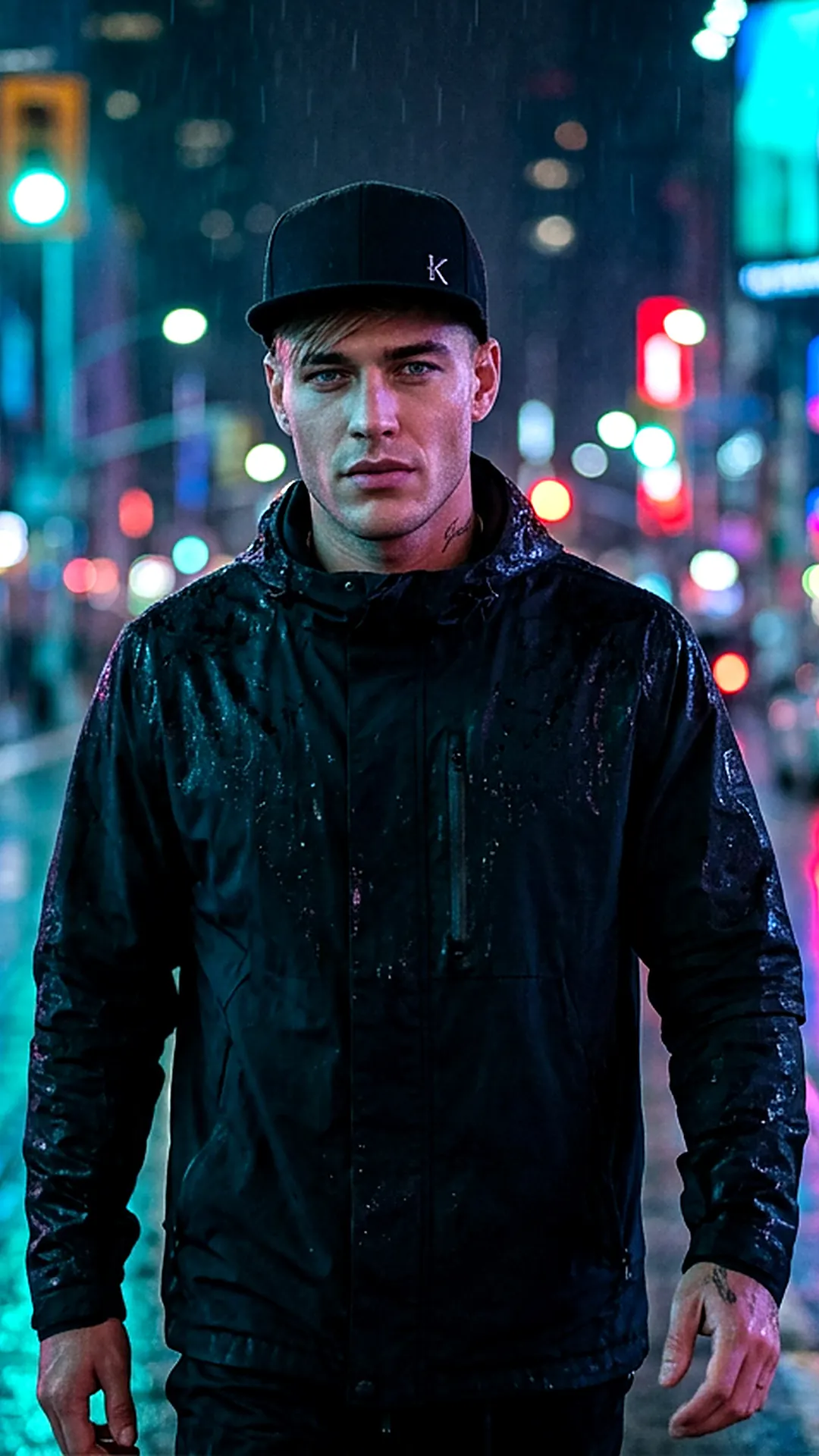
Ne zovi me kad si pijanaThe photo at the top comes from this hook. Play it and watch the words light up as they are sung.
Play the hook