Guides6 min read
How to make AI music and release it the right way
How to make AI music you can actually release: write your own lyrics, prompt by sound, pick the best take, master it and follow each service’s AI rules.
To make AI music you can release, you need three things: a song that is really yours, a tool whose terms let you release what it makes on your plan, and a release that follows your distributor’s and the stores’ rules on AI, voice clones and spam. Most trouble comes from the second and the third, not from the music.
Every rule about an outside service below was checked on its official page on 8 November 2026. These terms change often, so check the links again before you release.
1. Write the lyrics yourself
Lyrics are the part of an AI song you can fully own, and the part listeners judge first. Suno’s help centre explains that in the US a song made 100% with AI would not qualify for copyright protection, that writing a prompt is not writing the song, and that lyrics you wrote are yours.
Your words also beat generated ones:
- Generic: “My heart is broken, lost without you in the night.”
- Yours: “Your mug’s still on the drying rack, the blue one with the chip.”
The second line gives the listener something to see. Write one sung phrase per line, label the parts [Verse] and [Chorus], and spell words the way they are said. Writing a chorus people remember goes deeper.
2. Prompt for a sound, not a famous name
A prompt that names a living artist asks for an imitation, and imitation is what all the rules below go after. Suno’s terms, revised on 10 August 2026, forbid impersonating anyone and making a voice model of another person. Describe the sound instead: genre, tempo, instruments, era, mood and delivery.
- Instead of: “a song like [famous singer]”
- Write: “slow pop ballad, 72 BPM, felt piano, soft synth pads, drums enter in the chorus, intimate close-mic vocal, big last chorus”
Tempo changes the most. Ballads usually sit around 60–80 BPM, mid-tempo pop around 90–110, dance-pop around 115–128 and trap around 130–150 with a half-time feel. Change one word per generation, so you know which word did what.
3. Make AI music in takes, then choose like a stranger
Treat every generation as a take. Make ten or twenty and judge them like a first-time listener:
- Does something happen in the first five seconds?
- Are your words sung clearly, with nothing added or skipped?
- Does the chorus lift, and does it come back?
- Any glitches: warbling vowels, swallowed words, metallic hiss, an ending that just stops?
Then edit. Trim a long intro, end on a clean cut or a short fade, and regenerate a weak section if your tool allows it. Keep a log of prompts, dates and the plan you were on; step 5 explains why. Choosing the 30 seconds people hear first is its own job: see how to find the hook in your song.
4. Mix and master for streaming
A generated track arrives already mixed, so work gently. If your tool gives you stems, rebalance the vocal against the beat first; many AI mixes leave the voice a little low. Then:
- High-pass everything except bass and kick around 80–100 Hz.
- Cut mud around 200–400 Hz and harshness around 2–5 kHz, a few decibels at most.
- Don’t chase loudness. Spotify’s loudness guide says music plays at about -14 LUFS by default and suggests a master of -14 LUFS integrated with true peaks below -1 dB. A louder master is simply turned down, distortion included.
- Check it on a phone speaker, cheap earbuds and in a car.
5. Check that your plan lets you release it
Who owns an AI song depends on the tool, your plan and sometimes how you downloaded it. Two examples, checked on 8 November 2026:
- Suno. Its terms, in force since 3 September 2026, assign Suno’s rights in a song to Pro and Premier subscribers; free accounts may use songs only for personal, non-commercial purposes. Commercial use covers songs downloaded within your plan’s monthly allowance, which Suno’s download rules set at 20 credits on Pro and 60 on Premier; trial downloads don’t qualify. Suno also doesn’t promise that a song will be protected by copyright.
- Udio. Its terms, last revised on 12 November 2025, say you may not download what it generates or put it on streaming or social platforms such as Spotify or YouTube, and that Udio and its licensors own it. For now, a Udio song can’t be released.
For any other tool, find three answers in its terms: who owns the output, whether your plan allows commercial use, and whether you may distribute it. Save a screenshot of your plan and the download date with the project. If you can’t find all three, don’t release the song.
6. Label it, and stay away from clones and spam
The big services allow AI music and draw the same lines: say how it was made, don’t copy a real voice, don’t flood the platform. As of 8 November 2026:
- Distributors. DistroKid accepts music made with AI tools if you own all the rights, impersonate no one and don’t upload mass-generated spam. At upload it asks whether AI generated the lyrics, the music or the audio; its AI credits page says pitch correction and AI-assisted mixing or mastering don’t count. TuneCore only distributes AI music made with models trained on fully licensed datasets.
- Spotify. It removes music that copies another artist’s voice without permission, by AI cloning or any other method, and its spam filter stops recommending mass uploads, duplicates, SEO tricks and artificially short tracks. An artist whose public identity is a photorealistic AI person may get an AI Persona badge, and that music stays out of editorial and personalised recommendations unless a listener follows it.
- YouTube. Realistic AI content, including AI music that is the main focus of a video, must be disclosed with the AI use setting in YouTube Studio; YouTube says that alone won’t limit reach or earnings. Mass-produced AI content from generic templates can’t earn money in the Partner Program.
- Apple Music. Its style guide (version 2.5, October 2026) hides content designed to mislead, including misleading use of AI, and rejects sound-alikes that sound very similar to the original.
In practice: tick the AI boxes honestly, release one finished song at a time, use a real title rather than a string of keywords, and never use a voice model of a real singer.
When the song is done, drop it in Hook Lab and hear how strangers react: it finds the best part, which you can trim to 8 seconds or keep at 30, and uploads only that, while the full song stays on your device. Vibnelo isn’t a distributor and doesn’t send songs to streaming services. AI-made songs are welcome when your tool allows release, with Made with an AI tool ticked so the hook’s page says so, and voice clones of real singers aren’t allowed (see the Help Center). In blind battles nobody sees your name, so the votes are about the song.
Questions people ask
Can you upload AI music to Spotify?
Yes, through a distributor, if your AI tool’s terms allow release on your plan. Spotify doesn’t ban AI music; it removes unauthorised voice clones and stops recommending spam (checked on 8 November 2026).
Do I own a song I made with Suno?
On Pro or Premier, Suno’s terms assign its rights to you for songs downloaded within your plan’s allowance. Free-plan songs are for personal, non-commercial use only. Owning a song is not the same as holding its copyright.
Is AI-generated music protected by copyright?
It depends on the country and on how much a person wrote. Suno’s help centre says a song made 100% with AI wouldn’t qualify in the US, while lyrics you wrote are yours. Ask your national copyright office about your case.
Do I have to say a song was made with AI?
Often, yes. YouTube requires it for realistic AI content, including AI music, and DistroKid asks at upload. Spotify’s AI credits are optional, but DistroKid also tags tracks that a detector flags as AI, so it is simpler to say it yourself.
Can I use an AI voice that sounds like a famous singer?
No. Spotify removes such music, DistroKid forbids impersonation, Suno’s terms forbid voice models of other people, and Vibnelo doesn’t allow voice clones of real singers.
Hear it in Vibnelo
Almost's All I Got · Texts After Midnight
You almost wrote back, I saw the dots
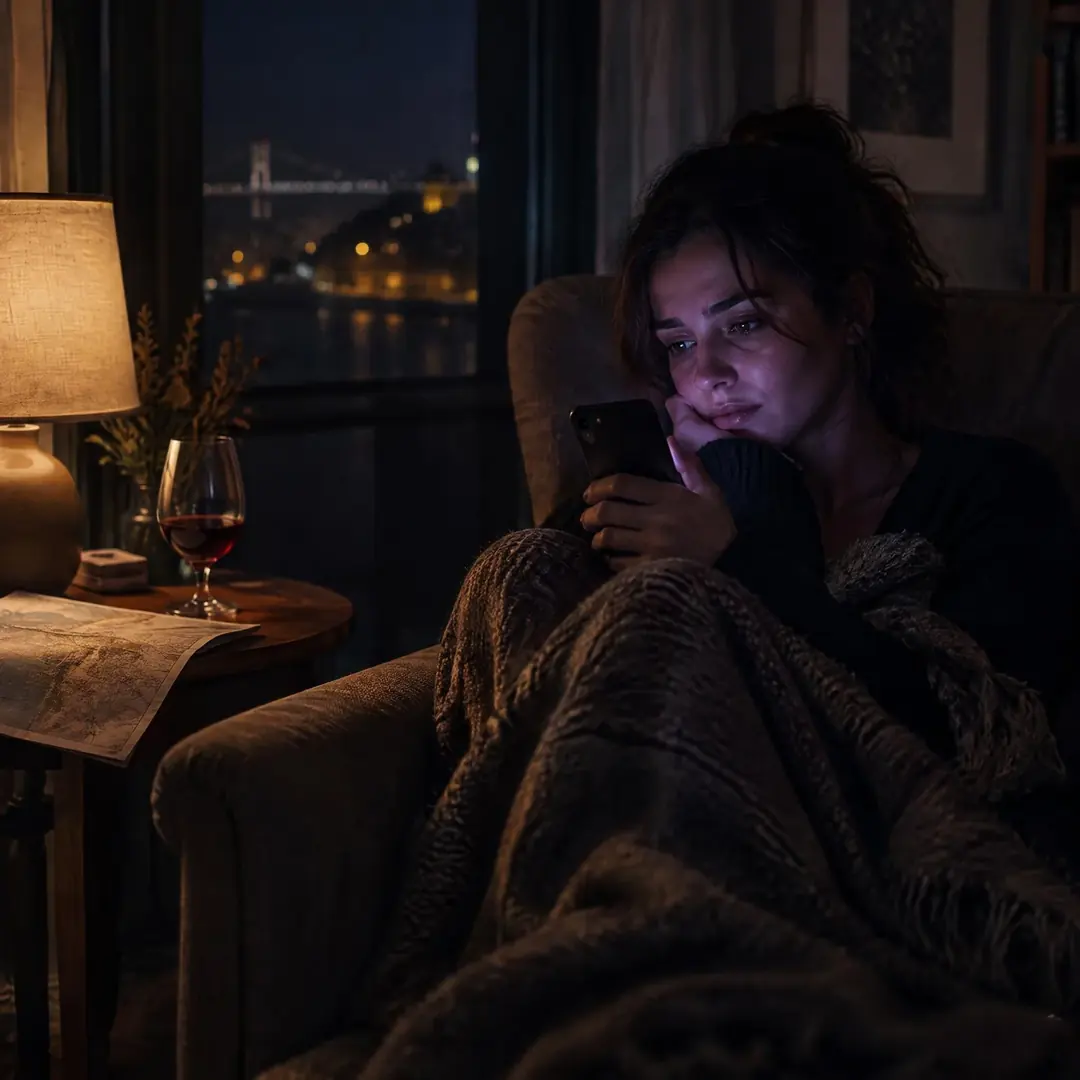
The photo at the top comes from this hook. Play it and watch the words light up as they are sung.
Play the hook